Introduction
WordPress
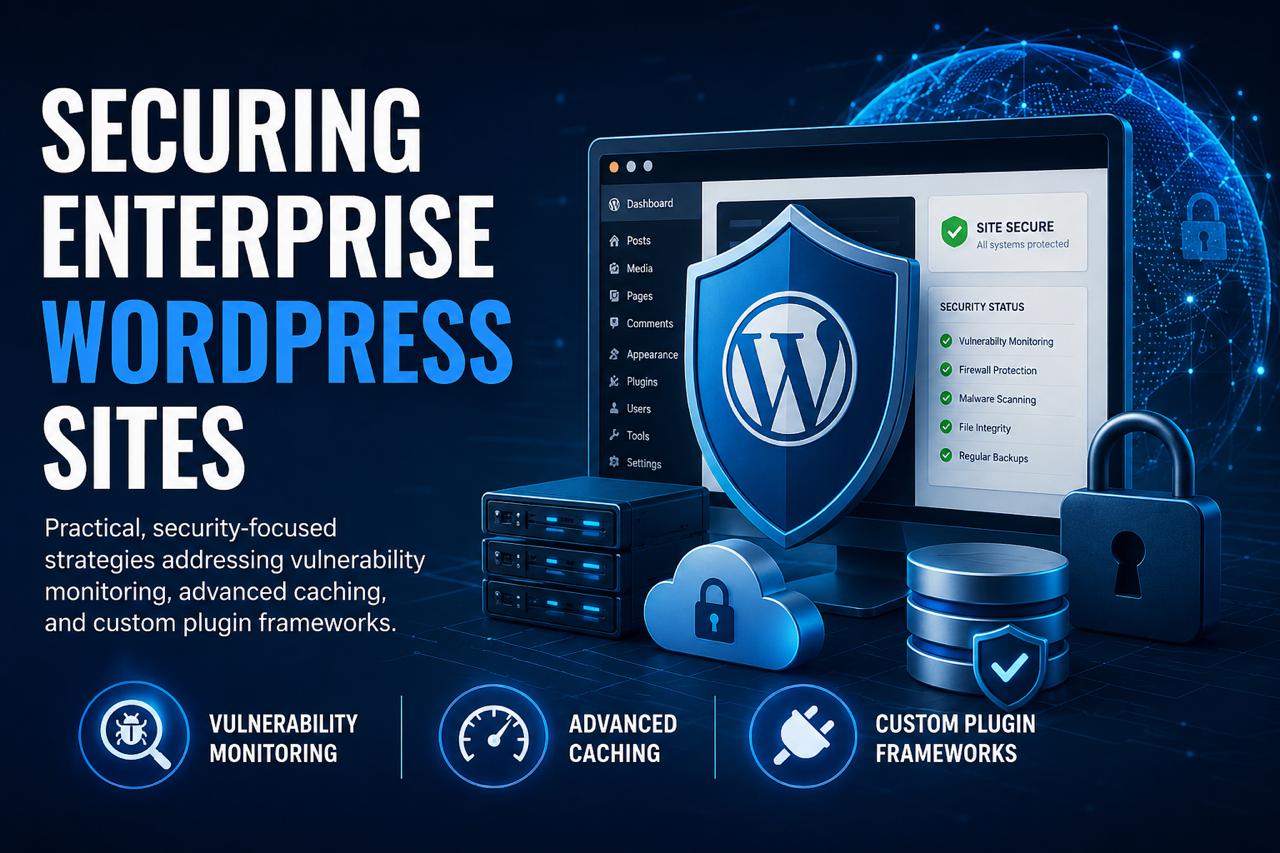
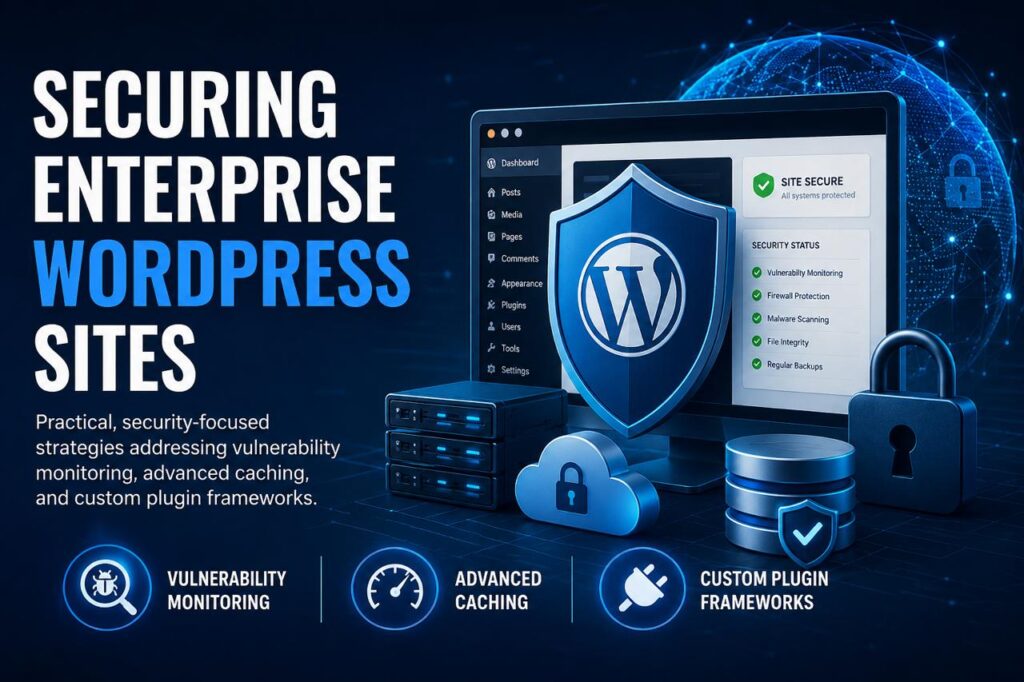
WordPress powers millions of websites worldwide, including many enterprise-level platforms that handle large amounts of traffic, customer data, and business operations. However, as a website grows, security becomes more complex. Enterprise WordPress sites require more than basic security plugins — they need a structured approach that includes vulnerability monitoring, advanced caching systems, secure development practices, and custom plugin frameworks.
A secure WordPress environment helps businesses protect sensitive information, maintain website performance, and provide a reliable experience for users.
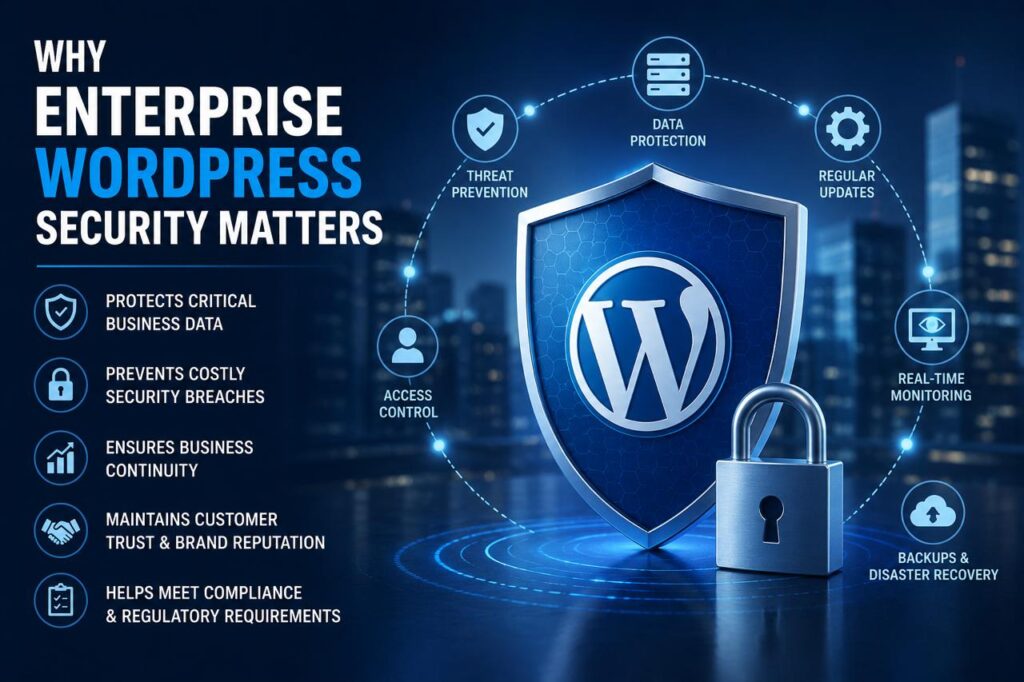
Why Enterprise WordPress Security Matters
Enterprise websites often manage:
Customer information
Online transactions
Internal business data
Large traffic volumes
Multiple user accounts
Third-party integrations
A small security weakness can lead to data leaks, downtime, SEO damage, and loss of customer trust. Therefore, security must be built into every part of the WordPress ecosystem.
WordPress Security
Continuous Vulnerability Monitoring
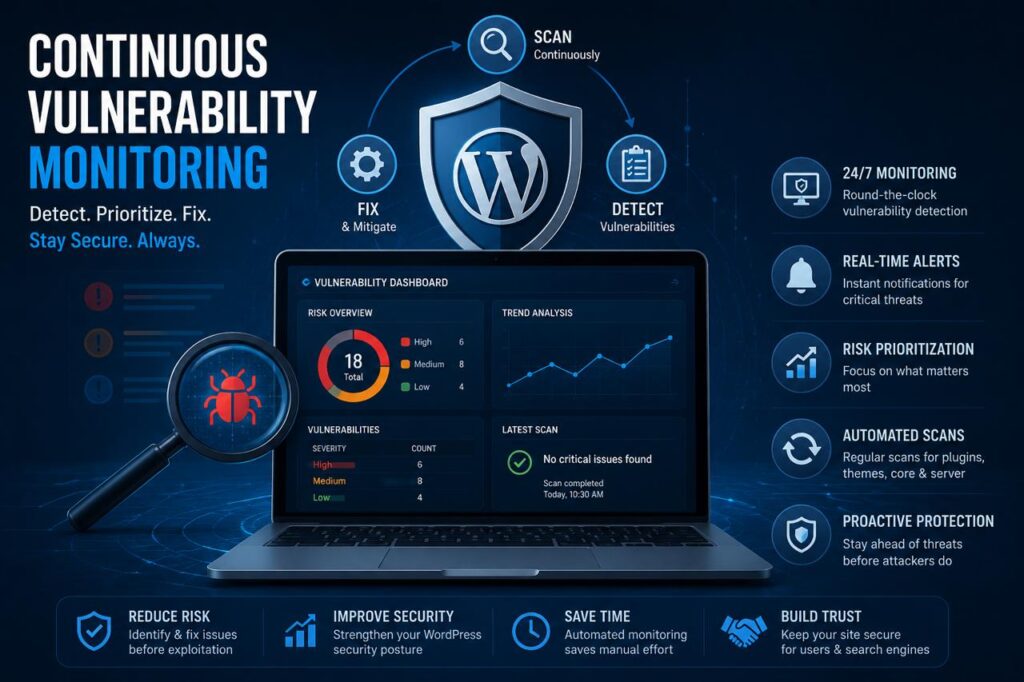
One of the most important security strategies for enterprise WordPress sites is continuous vulnerability monitoring.
Regular Security Scanning
Security teams should regularly scan websites for:
- Outdated plugins
- Vulnerable themes
- Malware infections
- Suspicious code changes
- Unauthorized access attempts
Automated monitoring tools help detect issues before attackers can exploit them.
Keeping WordPress Updated
Updates are not only about new features — they often include important security fixes.
A strong maintenance routine includes:
- Updating WordPress core
- Updating plugins
- Updating themes
- Removing unused software
Old and inactive plugins create unnecessary security risks.
Continuous Vulnerability Monitoring
Advanced Caching for Performance and Protection
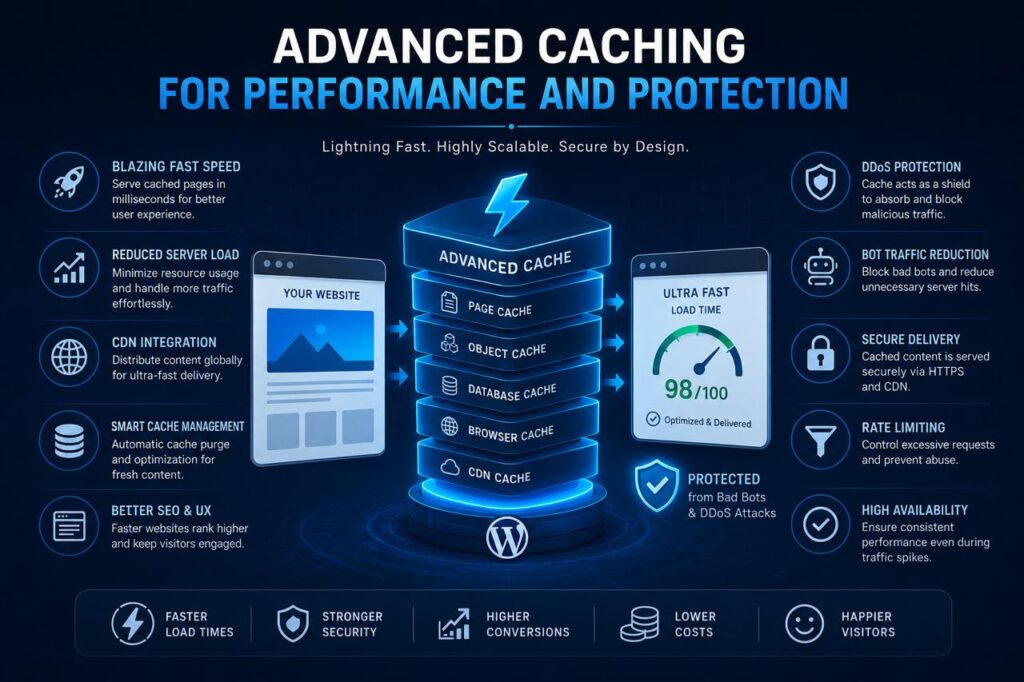
Enterprise websites need fast loading speeds while handling thousands of visitors. Advanced caching helps improve both performance and stability.
Types of Enterprise Caching
Page Caching
Stores ready-made versions of pages so users receive content faster.
Object Caching
Reduces repeated database queries and improves application speed.
Browser Caching
Allows returning visitors to load resources faster by storing files locally.
Content Delivery Network (CDN) Caching
Distributes website files across global servers, reducing load times and improving reliability.
Performance and Protection
Secure Custom Plugin Frameworks
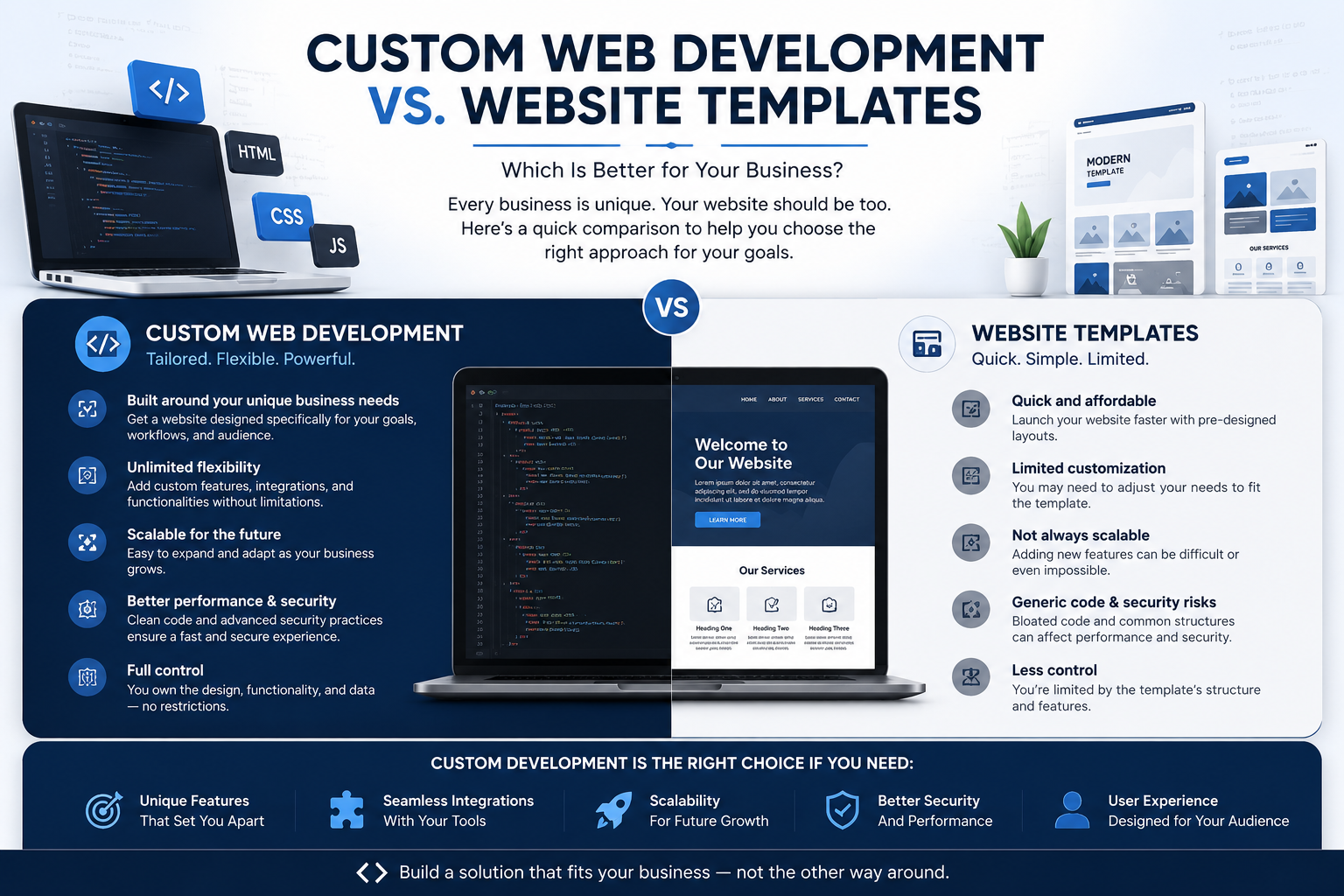
Custom plugins are often necessary for enterprise WordPress websites because businesses have unique requirements.
However, poorly developed plugins can create vulnerabilities.
A secure custom plugin framework should include:
Clean Code Practices
Developers should follow:
- WordPress coding standards
- Secure database queries
- Proper input validation
- Safe data handling
User Permission Management
Plugins should use proper role-based access control to ensure users only access what they need.
Regular Code Audits
Custom plugins should be reviewed regularly to identify:
- Security weaknesses
- Performance issues
- Compatibility problems
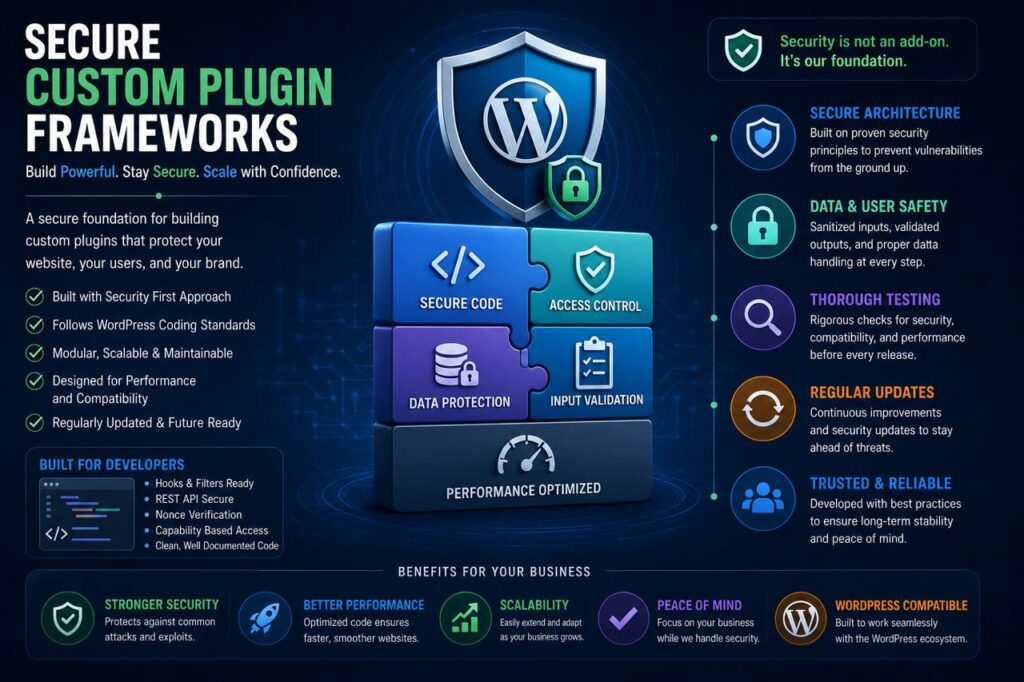
Custom Plugin Frameworks
Strong Authentication and Access Control
Enterprise websites usually have many administrators, editors, and contributors.
Security can be improved through:
- Strong password policies
- Two-factor authentication
- Limited administrator accounts
- Regular permission reviews
Reducing unnecessary access lowers the chance of account-based attacks.
Database Security and Backup Strategy
The WordPress database contains valuable business information.
Best practices include:
- Encrypting sensitive data
- Limiting database access
- Regular backups
- Testing backup restoration
A backup is only useful when it can be restored quickly during an emergency.
Web Application Firewall and Threat Protection
A Web Application Firewall (WAF) helps block malicious traffic before it reaches the website.
It can protect against:
- Brute-force attacks
- SQL injection attempts
- Malicious requests
- Automated bot traffic
For enterprise environments, proactive threat prevention is essential.
Secure Hosting Environment
Enterprise WordPress security also depends on hosting infrastructure.
A reliable hosting environment should provide:
- Server-level security
- Regular monitoring
- Isolated environments
- SSL certificates
- Automatic updates
A secure server foundation makes WordPress security stronger.
Conclusion
Securing an enterprise WordPress website requires a complete security strategy, not just installing a security plugin. Businesses should focus on continuous vulnerability monitoring, advanced caching, secure custom plugin development, strong access controls, and reliable infrastructure.
With the right security practices, enterprise WordPress sites can remain fast, scalable, and protected against modern cyber threats.